
For freelancers
More time for client work. Less time chasing invoices.
Create invoices with AI assistance, see what is paid and what is still outstanding, and make payment follow-ups easier to manage—all without adding a complicated finance system to your business.

The work is finished. The admin isn't.
Once a project is delivered, there may still be an invoice to prepare, a due date to monitor, and a reminder to write. PayFlowAI brings these routine steps into a clearer workflow.
Create the invoice
Describe the work and review an AI-assisted draft.
Know where things stand
See payment status and outstanding amounts.
Follow up professionally
Prepare a reminder without writing every message from scratch.
How it works
How it works for a freelancer
-
01
Finish the project or reach a billing milestone.
-
02
Describe the invoice in plain language.
-
03
Review the draft, correct details, and send it.
-
04
Track whether it is paid or outstanding.
-
05
Draft a reminder if payment is overdue.
On Pro: scheduled reminders
Natural Language Invoice Creation works from what you type. You decide when an invoice is ready and when to send it.
Payment reminders
Keep the message professional.
A reminder should make the next step clear without making a good client relationship awkward. PayFlowAI can help draft a reminder for you to review and send.
Reminder drafts
On both plans. AI drafts the message; you review, edit and send it yourself.
Scheduled reminders
On Pro. Set reminders to go out on a schedule you choose. Not switched on by default.
Reminder draft · INV-0042
Hi Anna,
Just a friendly reminder that invoice INV-0042 for €1,250.00 was due on Mar 14, 2026. You can pay using the link on the invoice.
Thanks again for a great project.
Payment status
Know what has arrived—and what hasn't.
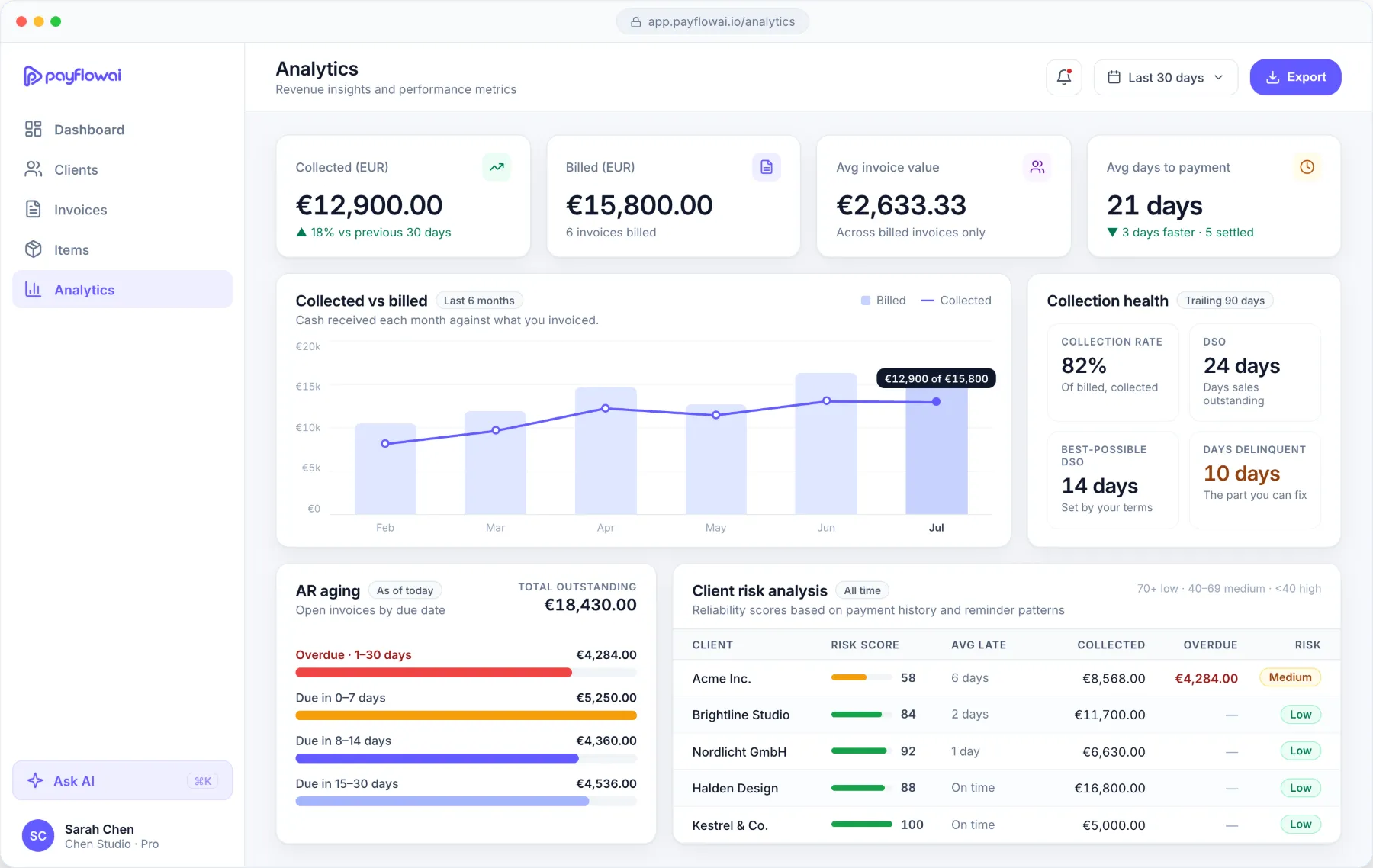
Each invoice shows whether it has been paid, partly paid or is still outstanding. You can see what you have billed, what has come in and what clients still owe, without keeping a separate spreadsheet.
- Paid
- The client has paid the invoice in full.
- Partly paid
- Part of the amount has arrived, and the remaining balance is shown.
- Outstanding
- The invoice is sent and still waiting for payment.
Is PayFlowAI right for you?
A good fit if you
- Invoice clients for services
- Manage your own payment follow-ups
- Want less admin between finishing work and getting paid
Maybe not the right fit if you need
- Full accounting or payroll
- Integrations PayFlowAI does not offer yet
- Tax advice
Is PayFlowAI suitable for solo freelancers?
Yes. PayFlowAI is built for people who invoice clients for services and handle their own follow-ups, without a bookkeeper or finance team.
Can I create an invoice by describing it in plain language?
Yes. With Natural Language Invoice Creation you describe the work, for example “invoice Acme for three days of design work”, and PayFlowAI prepares a draft. You review and edit it before sending.
Can I see which invoices are paid and outstanding?
Yes. Each invoice shows its status, including paid, partly paid and outstanding, so you can see what clients still owe.
Does PayFlowAI send payment reminders automatically?
On both plans, PayFlowAI drafts reminders for you to review and send. On Pro, you can also schedule reminders to be sent automatically. Automatic sending is not switched on by default.
Is there a free plan?
Yes. Starter is free forever and includes up to 3 active invoices and 5 clients. See Pricing for current plan details.
Does PayFlowAI replace my accountant or accounting software?
No. PayFlowAI covers invoice creation, payment tracking and follow-ups. It is not an accounting system and does not give tax advice.
Can I create supported European e-invoices?
PayFlowAI supports the ZUGFeRD and XRechnung formats used for e-invoicing in Germany. See the E-invoicing page for what is supported.
Get back to the work you do best.
Start with a simpler way to create invoices, track payments, and manage follow-ups.